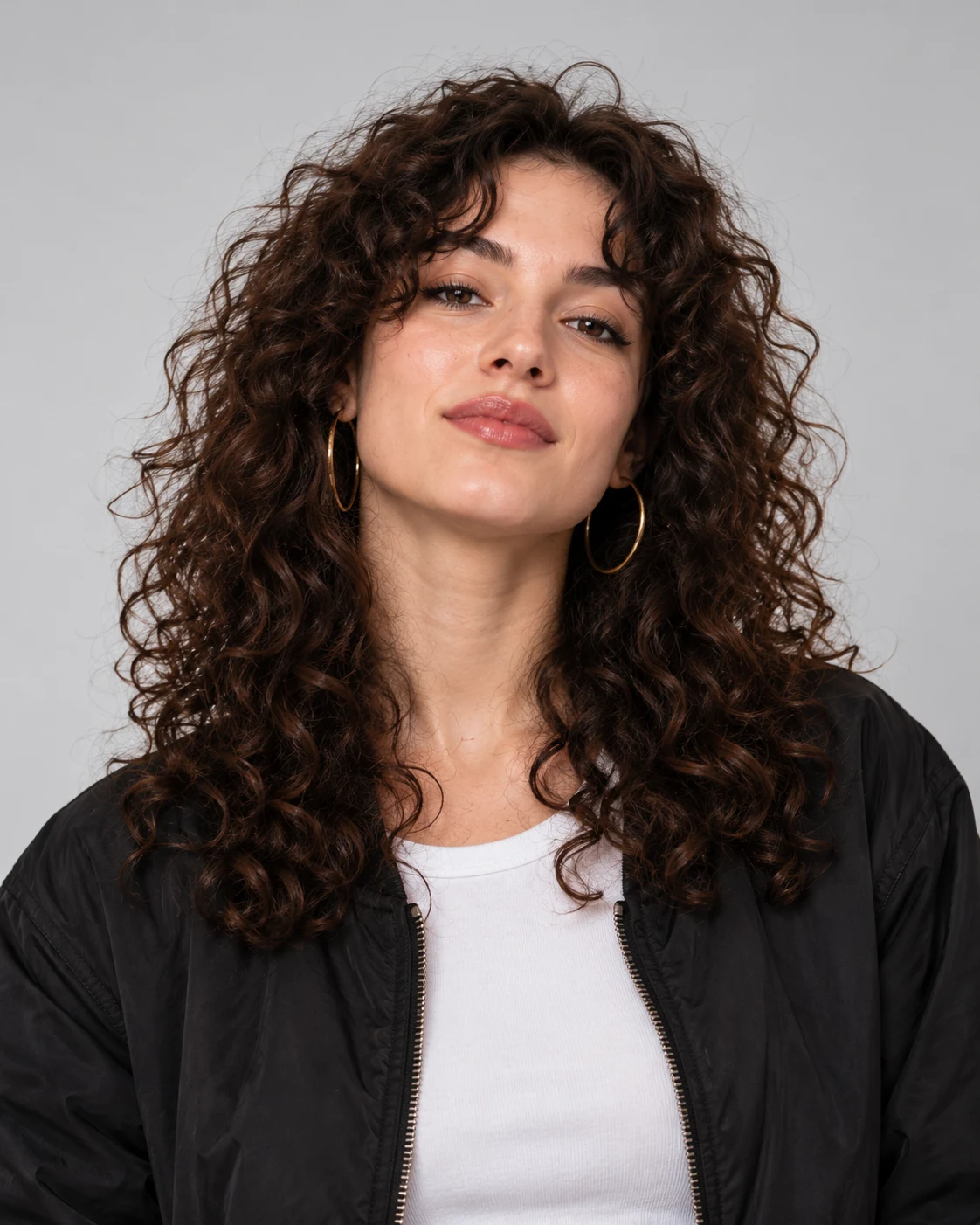
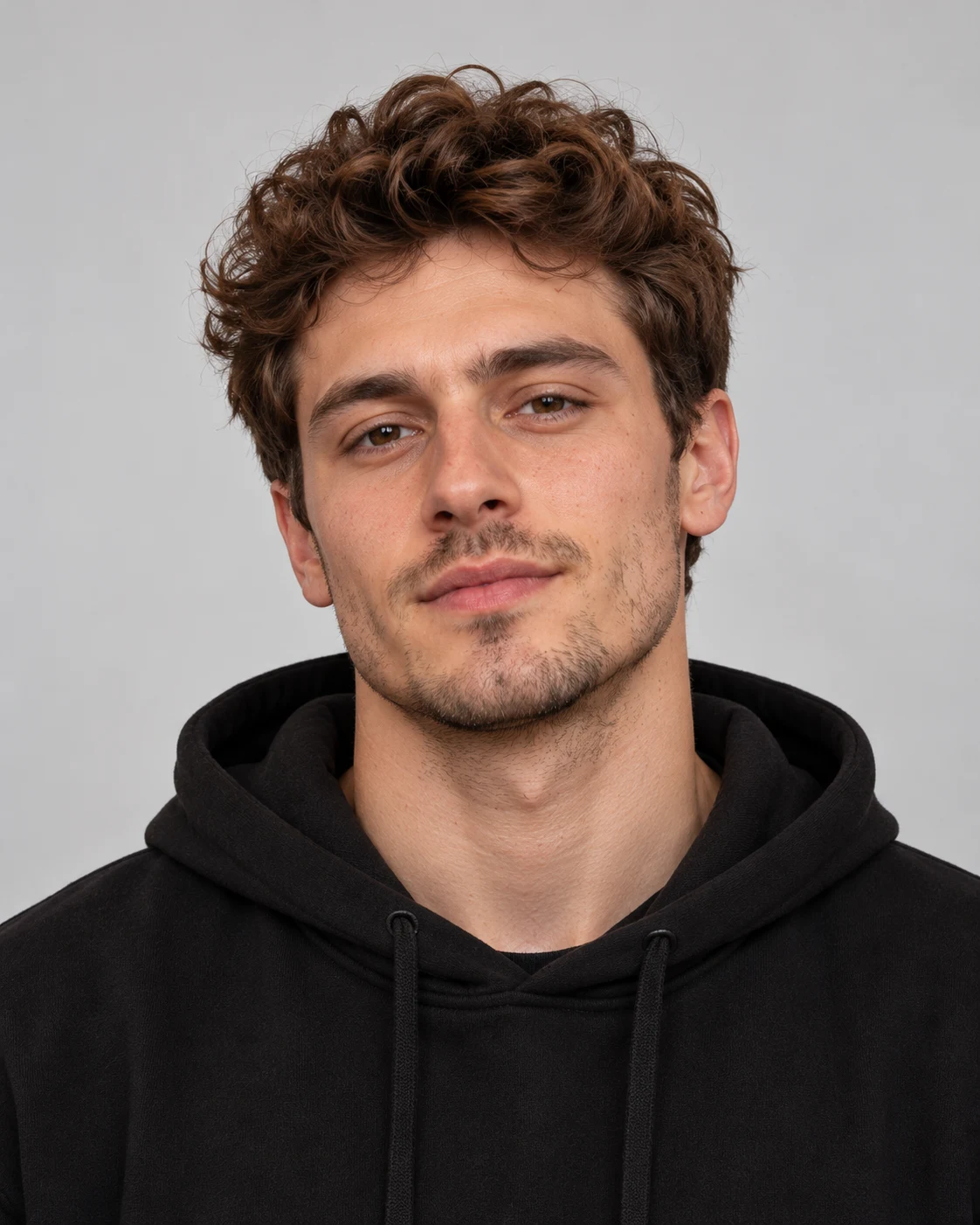
Give each person their own reference
Upload a different, single-person photo for A and B. Clear faces and simple lighting give the model a stronger identity reference than a busy group photo.
Video generation can take several minutes. Return to this page to check the same task.
152 credits reserved; settled by actual usage
AI Rap Duo brings two people from separate photos into one short performance. Add a clear portrait for each person, then generate a new studio scene with a beat and rap vocals.
A playful rap performance: trade short lines in an orange studio, with a microphone for each person.
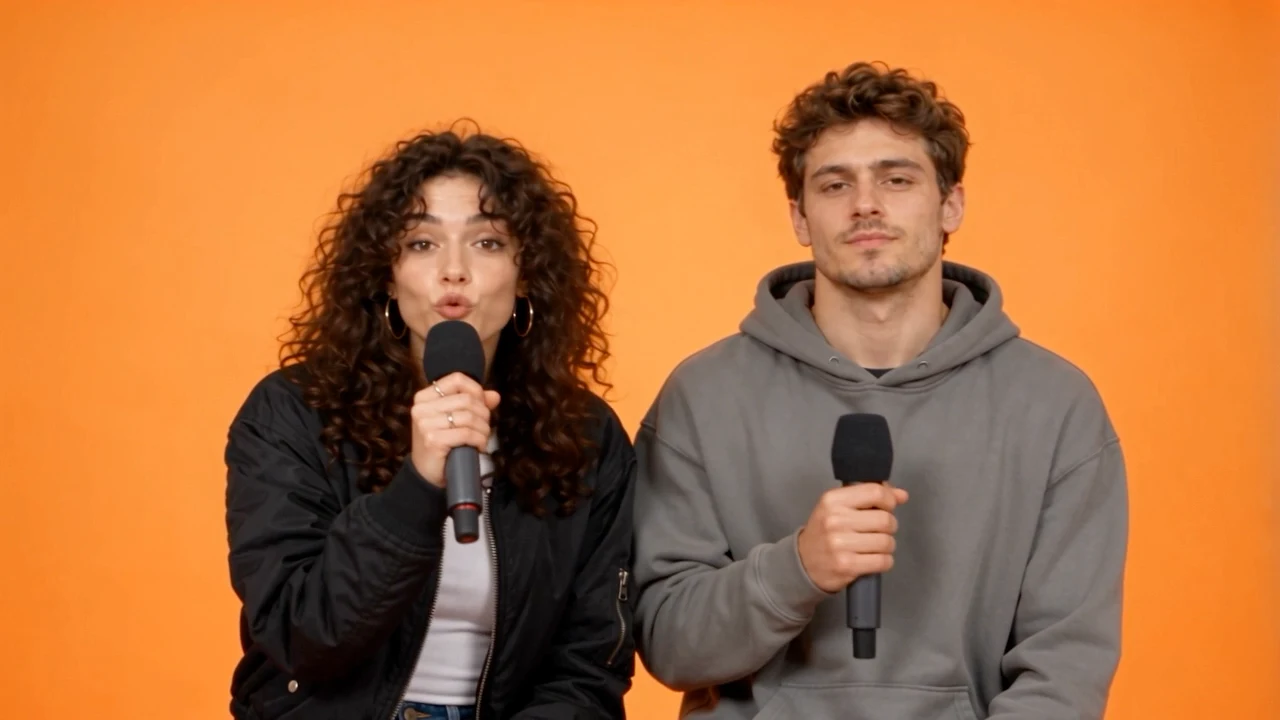
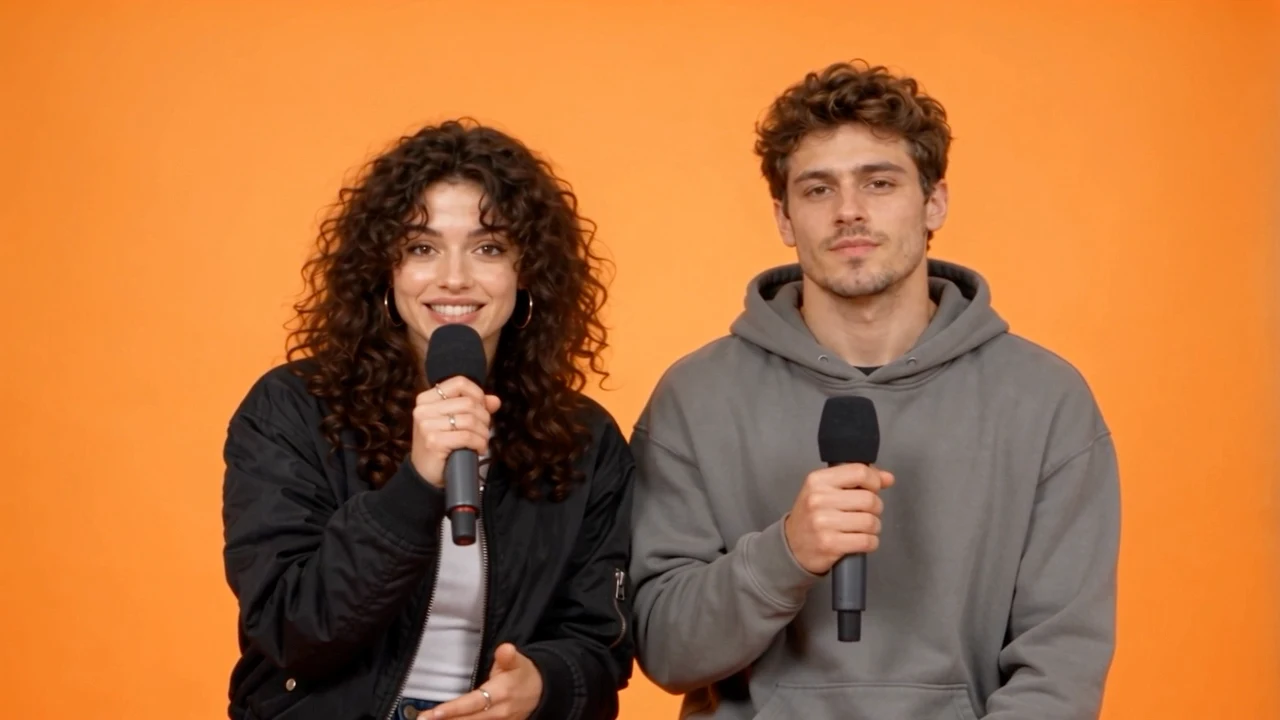
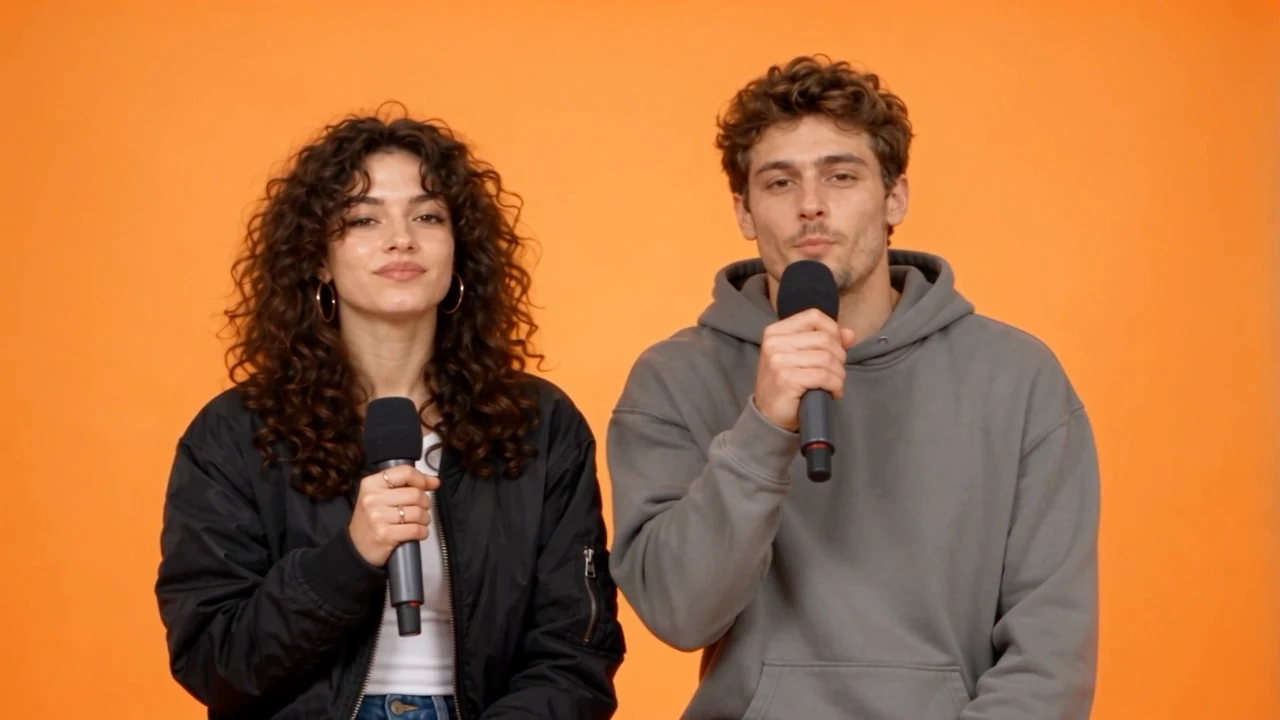
Actual output from this tool using the two example portraits. AI results vary.
Original AI-generated adult portraits used as test inputs. These photos are not a video result.
Upload a different, single-person photo for A and B. Clear faces and simple lighting give the model a stronger identity reference than a busy group photo.
The preset asks for A on the left and B on the right in a warm orange studio, with small independent gestures and a continuous two-person shot.
The workflow requests an original beat and rap voices together with the video. Review the audio and faces before sharing; exact words, voices and lip timing can vary.
Add one clear adult portrait per person, in A then B order. Use photos you have permission to use.
The preset uses 8 seconds, 720p, a 16:9 frame and generated audio. The button shows the credit cost before submission.
Play the full video with sound, check both people, then download using the result panel. Find saved results in My Videos.
No. Upload exactly two different single-person photos. The first is person A and the second is person B. A group photo is not the intended input.
Yes. The preset creates a shared studio scene from separate reference images. Choose clear, unobstructed faces; identity preservation can vary.
The tool requests generated synchronized audio, including an original beat and rap vocals. Listen to the result before using it; the model may vary the words and voice.
This version uses an original performance preset. It does not offer song upload, voice cloning or a precise lyric timeline, and does not guarantee word-perfect lip synchronization.
The tool requests an 8-second, 720p, 16:9 MP4. The current credit cost is shown beside Generate before you submit. You need to sign in and have sufficient credits. Completed results can be previewed and downloaded.
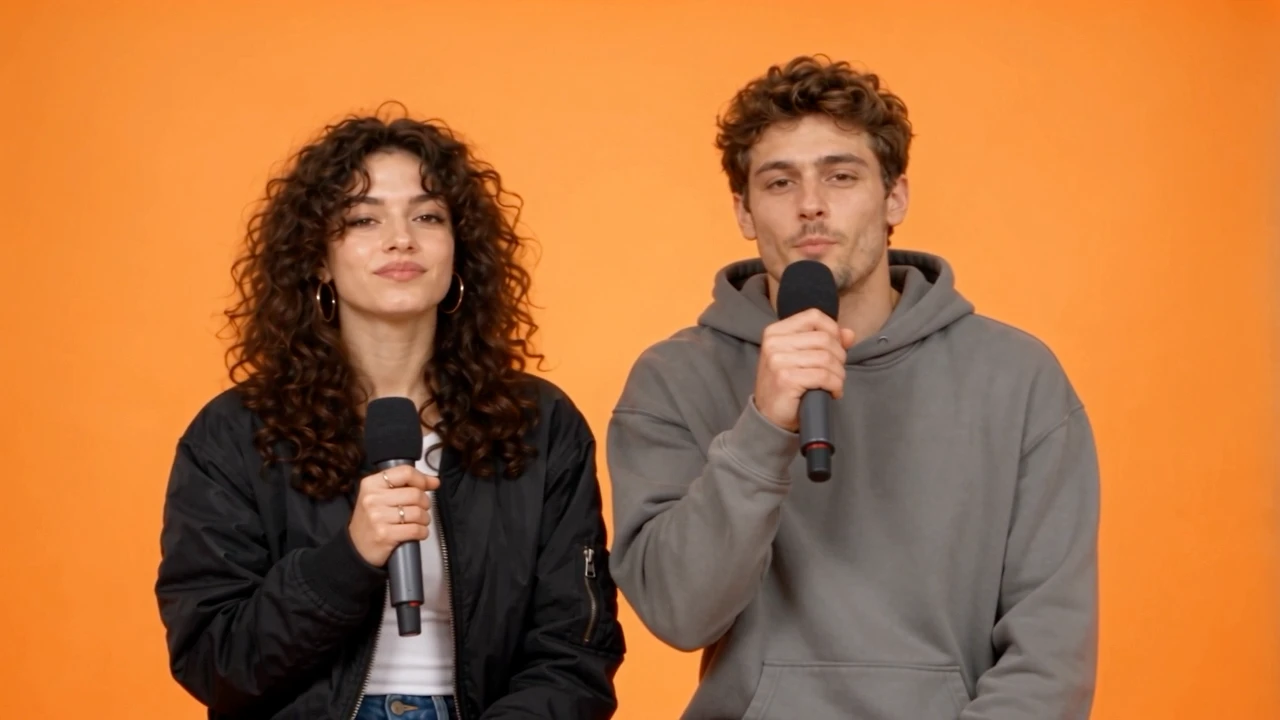
Start with two clear portraits and turn them into a short shared performance.
Create a rap duo video